

Within vs. Between Design
When you build a study from scratch, the first choice is how your audience meets the things you’re testing.
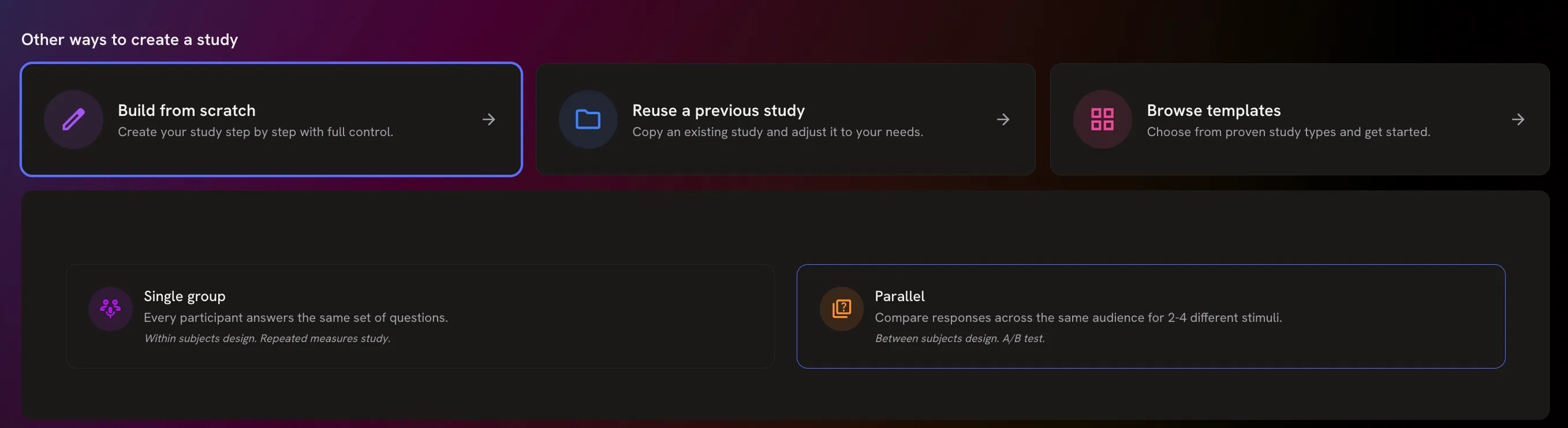
- Single group — within-subject design. Every twin answers the same questions and sees every version. Twins compare the versions directly.
- Parallel — between-subject design, or A/B test. You test two to four versions, and each twin sees only one. No twin can compare them, so you learn how each version lands on its own.
When to use a single group
Section titled “When to use a single group”- You want a direct choice or a ranking — “Which do you prefer?” Show the versions together with the A/B Test or Rank Order question types.
- You’re comparing many versions, more than a parallel study can hold.
- There’s nothing to split — you’re exploring a topic, or testing one concept.
If the order in which twins see the versions could matter, randomise it.
When to use a parallel design
Section titled “When to use a parallel design”- Real people meet one version at a time. An ad in a feed or a pack on a shelf isn’t seen next to its alternatives. A parallel test mirrors that.
- Seeing one version would colour the next. Prices are the classic case: once a twin has seen the lower price, the higher one looks worse than it would on its own.
- The versions differ only subtly. Side by side, a small change — where the model is looking, one word in a headline — gets far more attention than it would in real life.
- You need a score for each version — appeal, purchase intent, understanding — rather than a winner.
Setting up a parallel study
Section titled “Setting up a parallel study”- When you build a study from scratch, choose Parallel.
- On the Study tab, add a condition for each version, up to four. Give each one a clear name, add its image, and optionally describe the scenario.
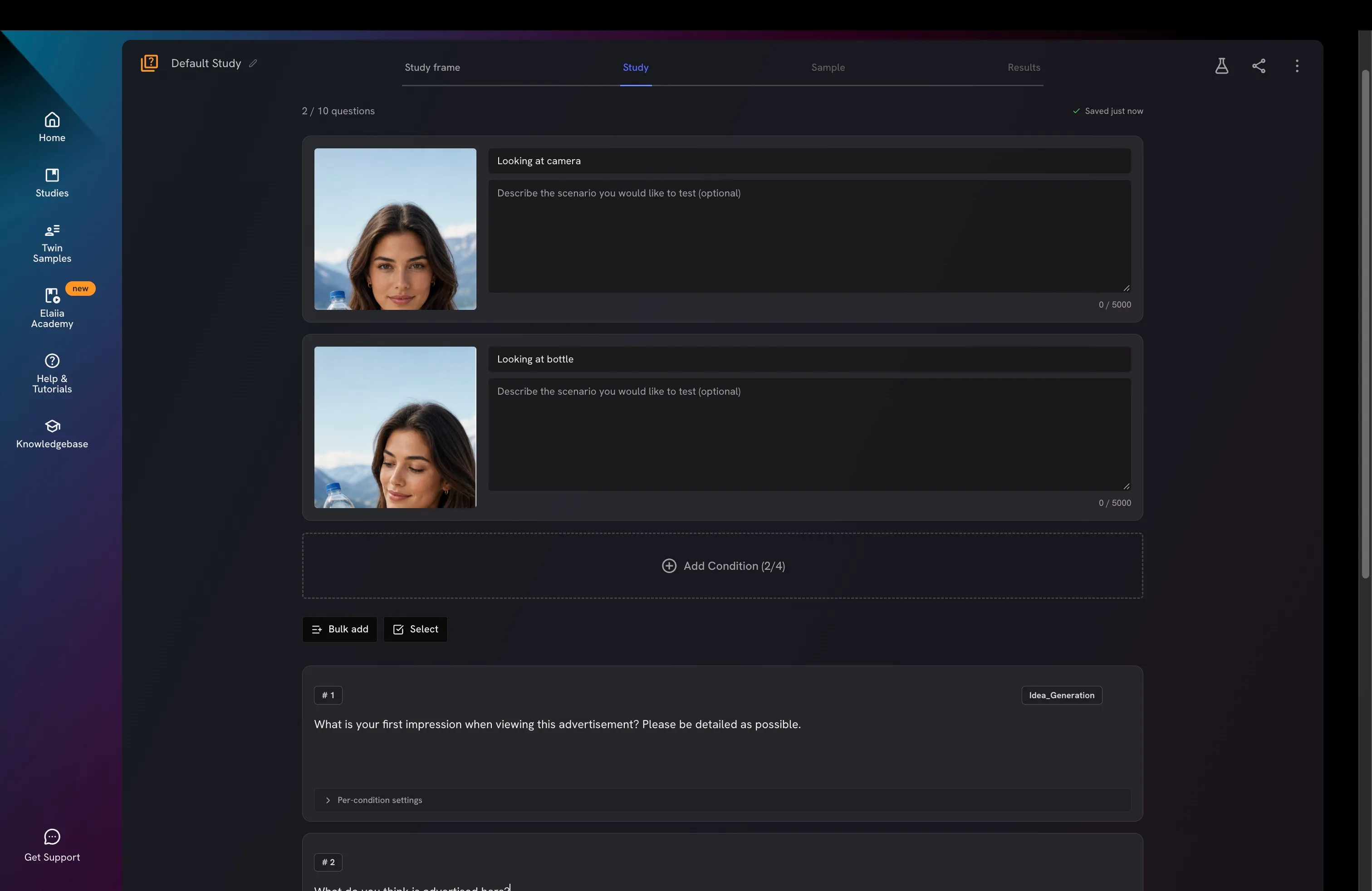
- Write your questions once, below the conditions — every condition gets the same questions. If a question needs to differ for one version, open its Per-condition settings.
For the research background, see Research Design Basics.