
Study Frame
When selecting your sample, you must specify the country. You can add additional restrictions, such as age or education. You can add multiple segments and set quotas.
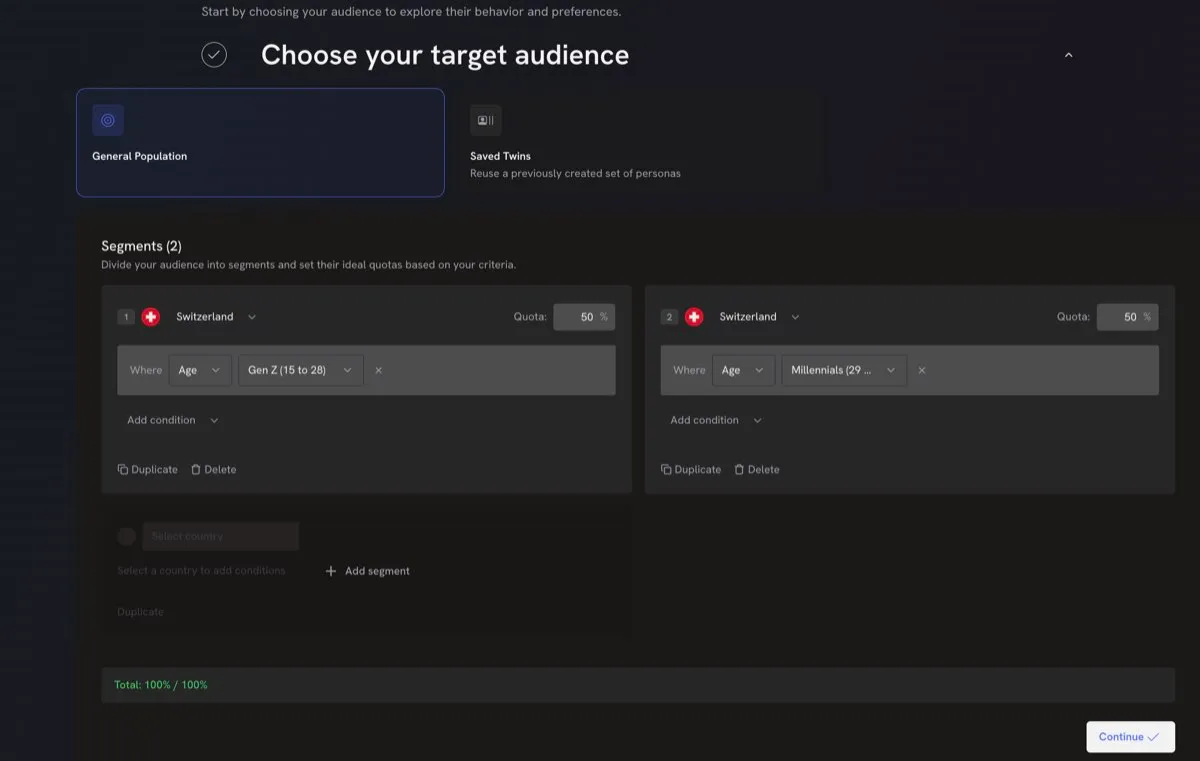
If you have previously run a similar study, you may re-use a Saved Twin Sample instead of building a new one. See Reusing Twin Samples. To compare two audiences in one study, or let saved twins remember earlier studies, see Comparing Audience Groups and Twin Memory.
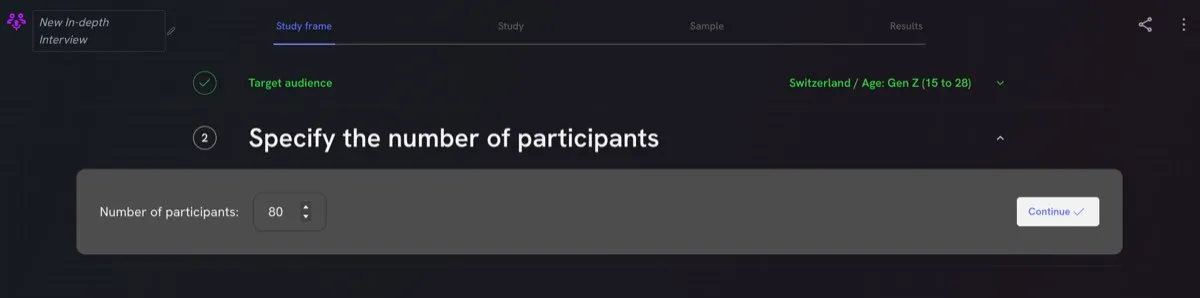
Next, select your sample size. The default setting is 80, which allows you to capture more complex designs with several sub-groups. For simpler designs, you may choose to decrease the sample size.